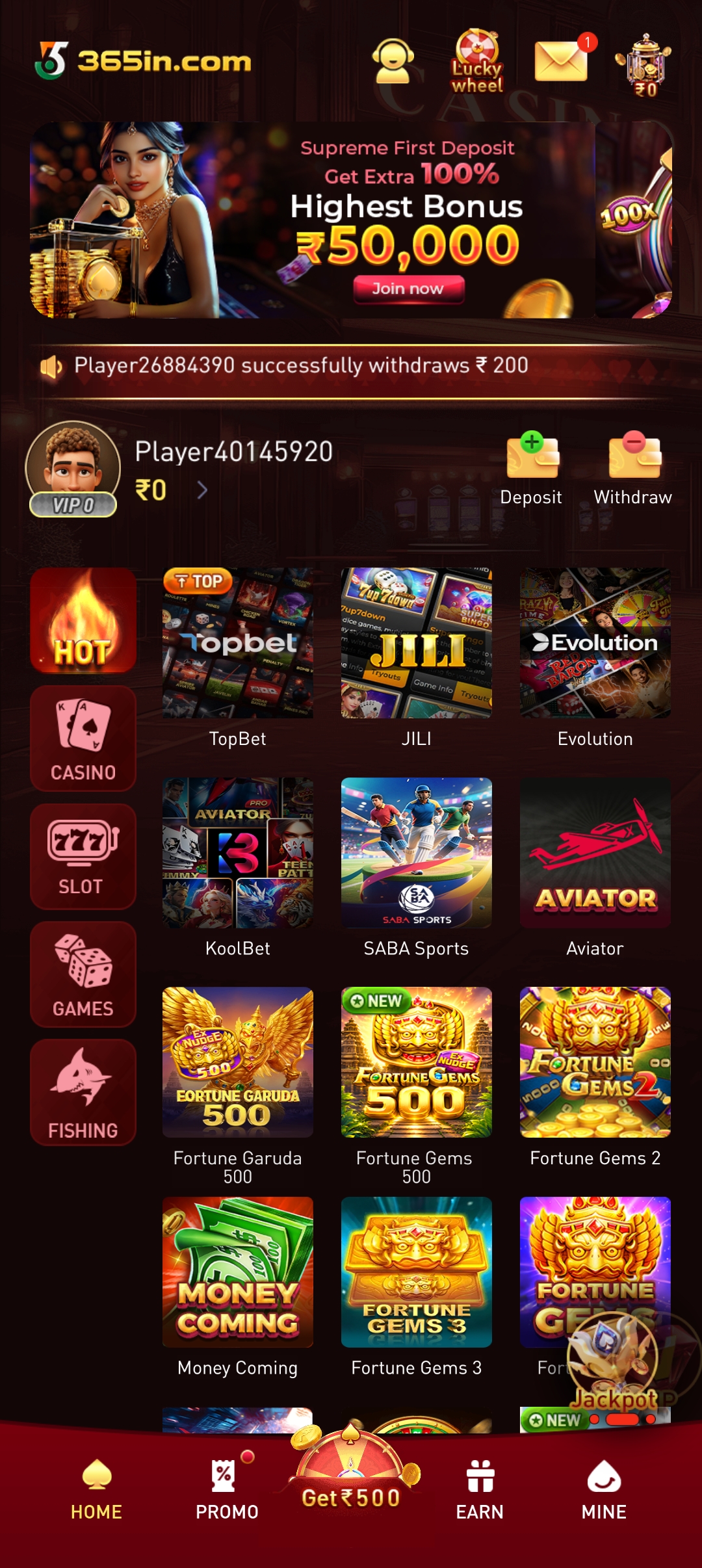
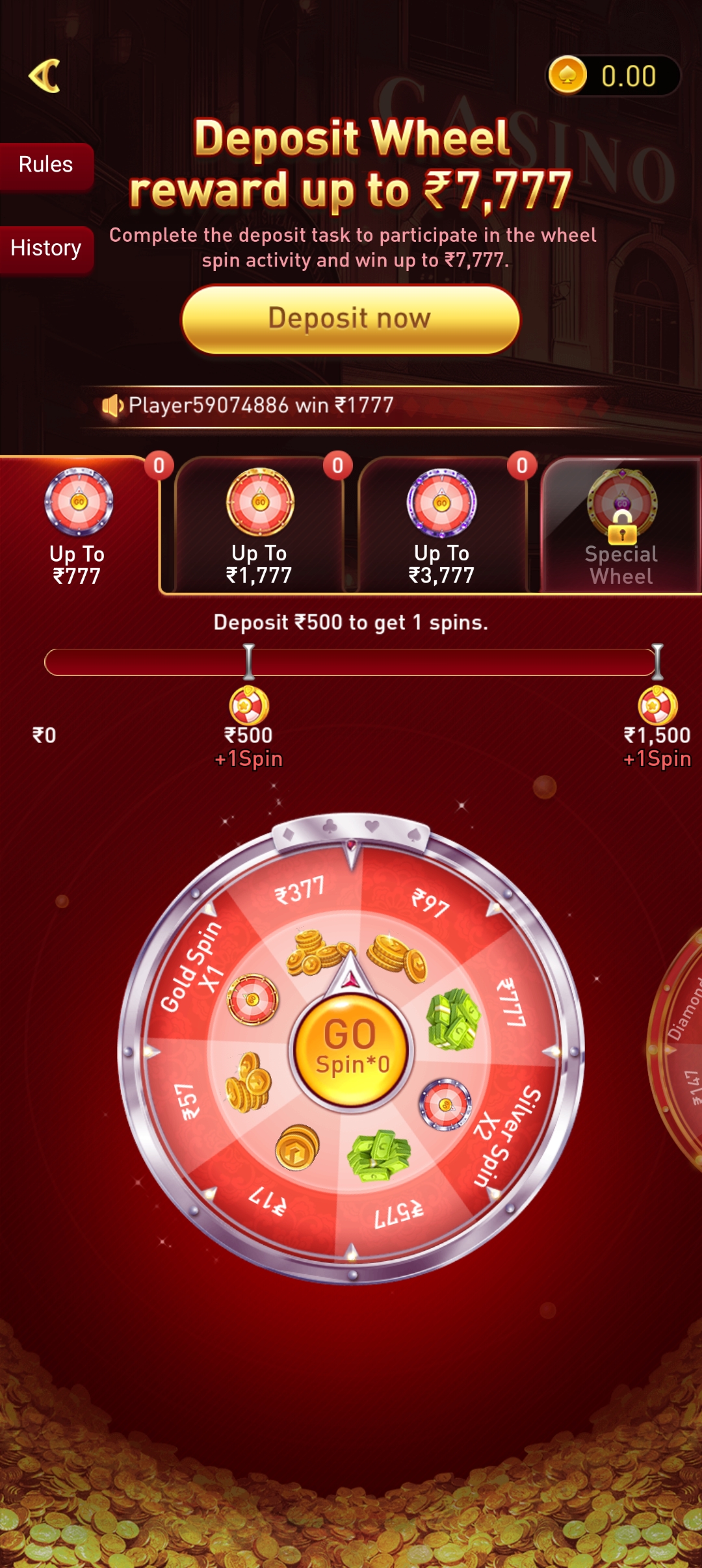
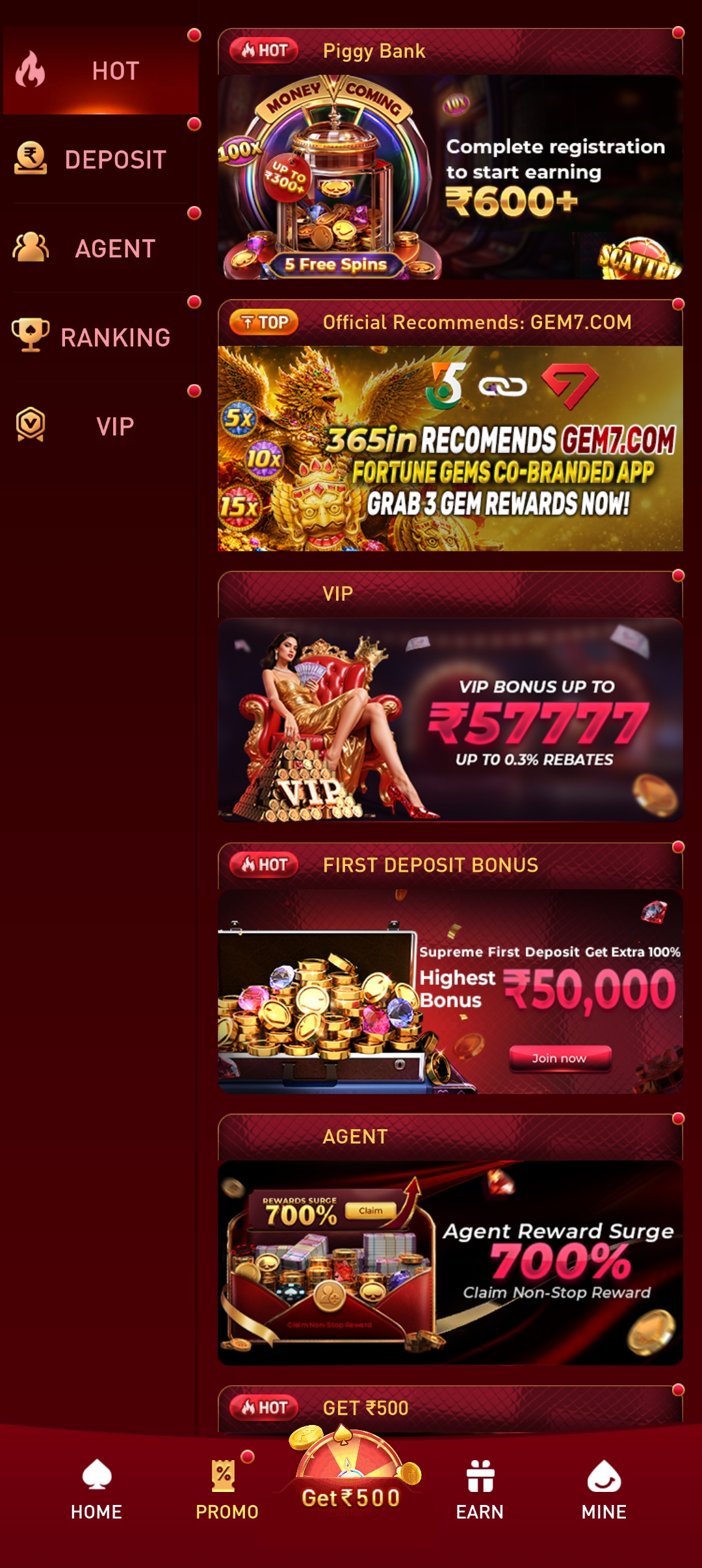
Get the full 365in experience on Android or add a shortcut to your iPhone home screen. Takes under two minutes — your ₹10,000 welcome bonus is waiting.
Download Android APK18+ only · Free to download · Not available in AP, Assam, Odisha, Telangana, Nagaland & Sikkim
The 365in APK is not on the Play Store — follow these steps to sideload it safely in under two minutes.
Click the Download APK button above. Your browser will start downloading the 365in APK file.
When prompted, tap Settings → Allow from this source. This lets your phone install apps from outside the Play Store.
Open the downloaded file from your notification bar or Downloads folder and tap Install. The app installs in seconds.
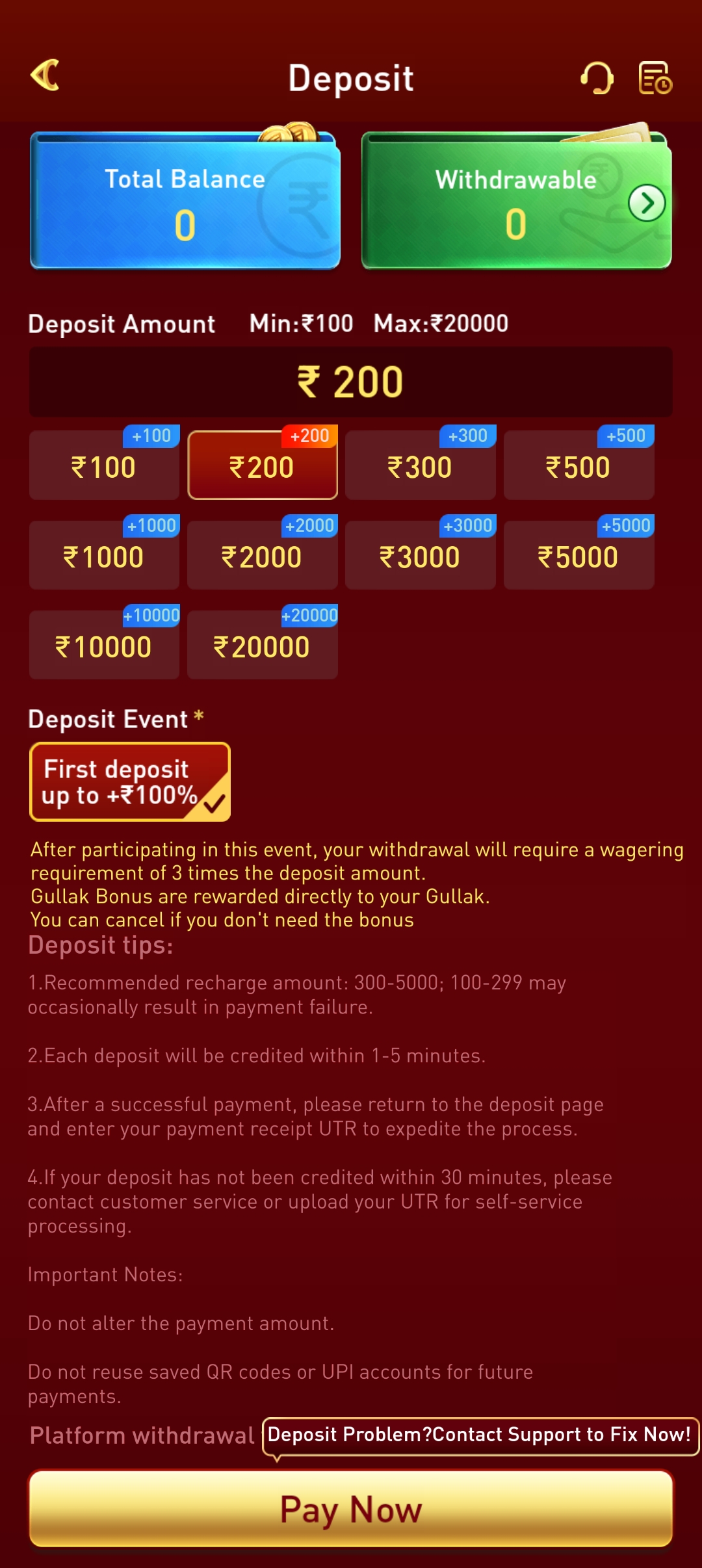
Launch 365in, register in two minutes, deposit with UPI and claim your ₹10,000 welcome bonus.
Free · Lightweight · No Play Store required
iPhone doesn't support Android APKs, but you can pin 365in to your home screen as a web app using Safari's built-in "Add to Home Screen" feature. It works just like a native app.
This only works in Safari — not Chrome or Firefox. Make sure you are using the Safari browser that came with your iPhone.
Type play-365in-apk.in in the Safari address bar and open the site. Wait for the page to fully load.
At the bottom of the screen tap the Share button — the square with an upward arrow (↑). A menu will slide up from the bottom.
Scroll through the share menu and tap "Add to Home Screen". You can rename the shortcut if you like, then tap Add in the top-right corner.
The 365in icon now appears on your iPhone home screen. Tap it anytime to open 365in instantly — it opens full-screen, just like a native app, with no browser bar in the way.
Any Android phone running Android 5.0 or newer works. That covers almost every phone made after 2015.
The APK is lightweight — it downloads in seconds on any Indian mobile network including 4G and even 3G.
Only download the APK from this official link. Never install 365in from unknown third-party sources.
The "Add to Home Screen" feature only works through the Safari browser app — not Chrome or Firefox on iOS.
Yes. Download only from this page. The APK is scanned and safe. When installing, Android may show a warning about unknown sources — this is normal for any app installed outside the Play Store. Tap "Install anyway" to proceed.
Real-money gaming apps are not allowed on the Google Play Store in India. Downloading the APK directly from the official site is the standard, safe way to get the app — millions of Indian players do this every day.
When a new version is available, download the latest APK from this page and install it on top of your existing installation. Your account data and balance are saved on the server — nothing is lost.
Yes — open Safari, visit play-365in-apk.in, tap the Share button and choose "Add to Home Screen". The site opens as a full-screen web app on your iPhone. See the iPhone guide above for step-by-step instructions.
Go to Settings → Security (or Privacy) and enable "Unknown sources" or "Install unknown apps". The exact menu name varies by phone brand. Once enabled, try installing the APK again.